Invite the Bot
Add Mody to your server with the right permissions.
Mody needs to be invited with a set of permissions so it can manage roles, send messages, and moderate members. The invite flow grants these automatically.
Invite flow
The authorize screen asks you to pick a server and confirm permissions:
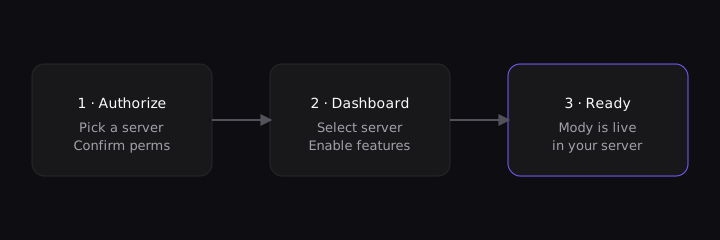
Pick the server you manage, leave the requested permissions checked, and confirm.
Permissions
Mody requests the following at invite time:
| Permission | Why it's needed |
|---|---|
| Manage Roles | Assign reaction roles and mute roles |
| Manage Messages | Clean up flagged content |
| Kick / Ban | Enforce moderation actions |
| Send Messages | Post logs and respond to commands |
You can review or trim these later in your server's integration settings, but removing core permissions may disable some features.
Next steps
With the bot invited, continue to the dashboard to configure features, or read up on Moderation first. For higher limits, see Premium.